The days of the UMID card may soon be over as the Social Security System (SSS) launched the new MySSS card. MySSS Card is a big upgrade to the UMID. Why? Well, apart from being an official SSS ID, it also works as a debit card, thanks to the built-in EMV chip. You can use the MySSS Card directly at a partner bank’s ATM to instantly withdraw SSS benefits, loans, and other proceeds. No need to do a separate enrollment process under the Disbursement Account Enrollment Module (DAEM). SSS teamed up with RCBC DiskarTech for the initial rollout of the service. UnionBank, China Bank, and AUB are expected to join soon. However, SSS noted that government agencies and private institutions are not mandated to accept the new MySSS card as an official ID. Your old UMID or any issued SSS cards are still valid, so you might want to keep them. You’re eligible for the new MySSS card if you’re a: member, prior registrant, pensioner, individual claimant, and representative payee who will p...
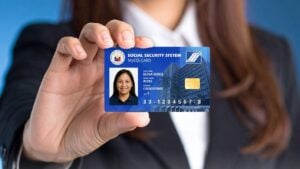
The days of the UMID card may soon be over as the Social Security System (SSS) launched the new MySSS card.
MySSS Card is a big upgrade to the UMID. Why? Well, apart from being an official SSS ID, it also works as a debit card, thanks to the built-in EMV chip.
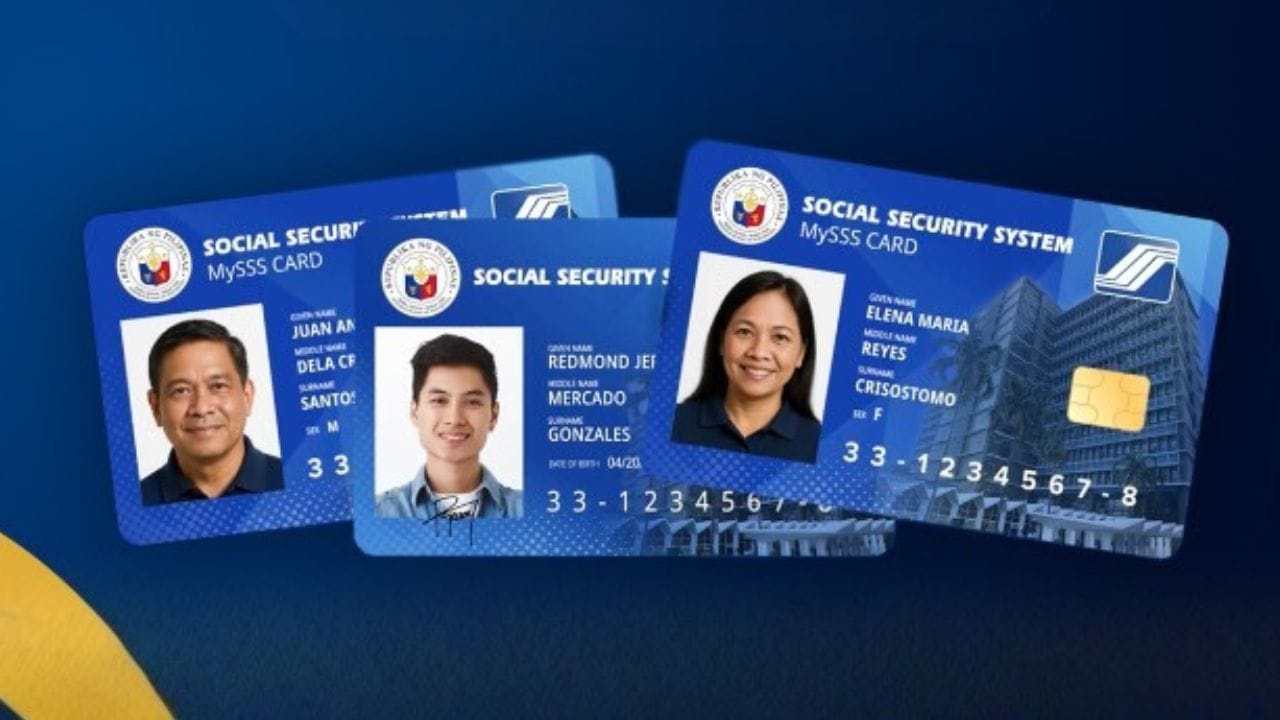
You can use the MySSS Card directly at a partner bank’s ATM to instantly withdraw SSS benefits, loans, and other proceeds. No need to do a separate enrollment process under the Disbursement Account Enrollment Module (DAEM).
SSS teamed up with RCBC DiskarTech for the initial rollout of the service. UnionBank, China Bank, and AUB are expected to join soon.
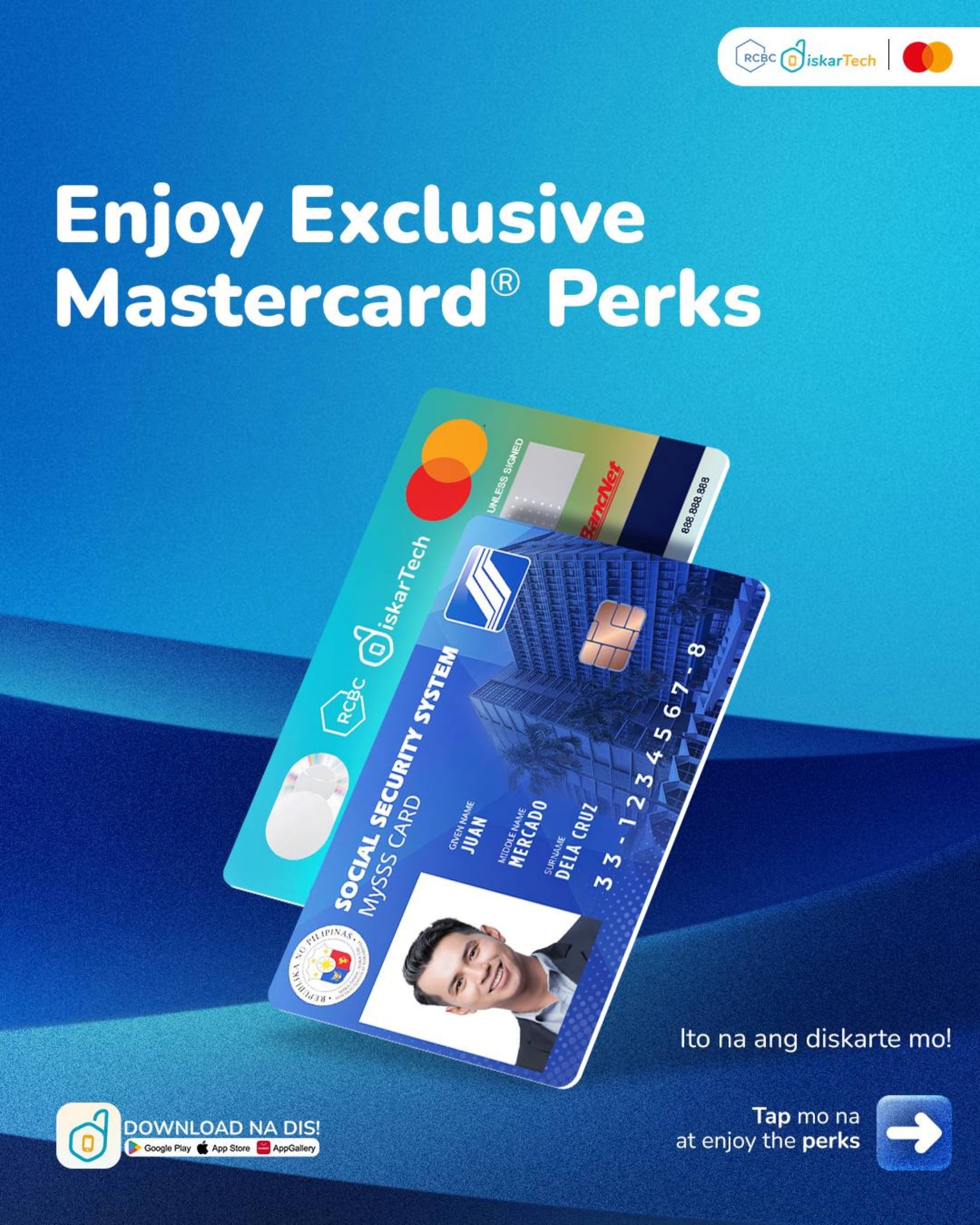
However, SSS noted that government agencies and private institutions are not mandated to accept the new MySSS card as an official ID. Your old UMID or any issued SSS cards are still valid, so you might want to keep them.
You’re eligible for the new MySSS card if you’re a:
- member, prior registrant, pensioner, individual claimant, and representative payee who will provide an SS number tagged as “permanent”;
- registered on the My.SSS portal;
- have your local address, mobile number, and email updated in SSS records;
- and is PSA/National ID registered.
To get a MySSS card, you have to:
- Log in to your My.SSS account. Go to My.SSS Card > Services > and complete the steps that verify your personal information, doing a facial scan, and choosing your preferred partner bank.
- Go to a branch of your preferred partner bank to complete the verification process and settle the applicable fees. Wait for the bank’s SMS or app notification when your card is ready for delivery or pickup.
The fee for getting a MySSS card will depend on your chosen bank. Failure to settle the payment within a given timeframe will result in the cancellation of the application.
This article, How to apply for the new MySSS Card, was originally published at NoypiGeeks | Philippines Technology News, Reviews and How to's.
Comments
Post a Comment