Apple just released the beta version of iOS 27, and it comes with a handful of changes for people who use CarPlay. The update focuses on making the voice assistant more useful and giving drivers more options for entertainment when parked. The biggest change is how the voice assistant works. It now has a new look on the car screen. Instead of taking over the whole display, it shows up as a soft glowing circle near the bottom of the screen. The colors are more muted compared to older versions. But the real upgrade is under the hood. The assistant can now answer questions more like ChatGPT or Google Gemini. It understands follow up questions much better too. For example, you can ask about a restaurant, then ask what time it closes, and it will know what you mean. In early tests, this works much smoother than before. See also : iOS 27 and iPadOS 27 list of compatible devices Another handy addition is that your car conversations with the voice assistant get saved to you...
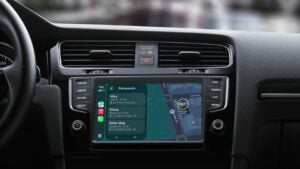
Apple just released the beta version of iOS 27, and it comes with a handful of changes for people who use CarPlay. The update focuses on making the voice assistant more useful and giving drivers more options for entertainment when parked.
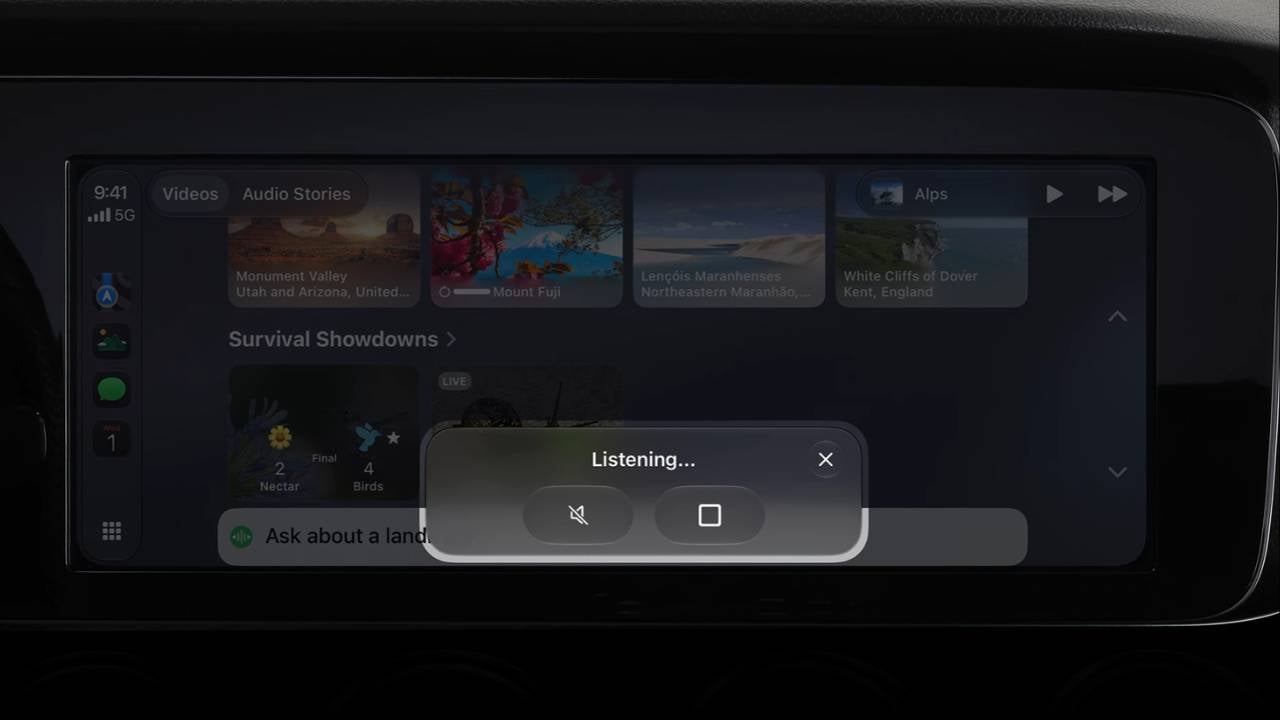
The biggest change is how the voice assistant works. It now has a new look on the car screen. Instead of taking over the whole display, it shows up as a soft glowing circle near the bottom of the screen. The colors are more muted compared to older versions.
But the real upgrade is under the hood. The assistant can now answer questions more like ChatGPT or Google Gemini. It understands follow up questions much better too. For example, you can ask about a restaurant, then ask what time it closes, and it will know what you mean. In early tests, this works much smoother than before.
See also: iOS 27 and iPadOS 27 list of compatible devices
Another handy addition is that your car conversations with the voice assistant get saved to your iPhone. You can open the assistant’s app on your phone later and see a log of everything you asked. Any requests made while driving have a small car symbol next to them.
Video options are also expanding. Last year with iOS 26, Apple allowed video streaming through AirPlay. Now with iOS 27, app makers can build full video apps for CarPlay. That means you could browse movie or show lists directly on your car’s screen without touching your phone.
There is a catch, though. Car manufacturers have to agree to turn this feature on. So not every car will get it right away. The video feature only works when the vehicle is not moving.
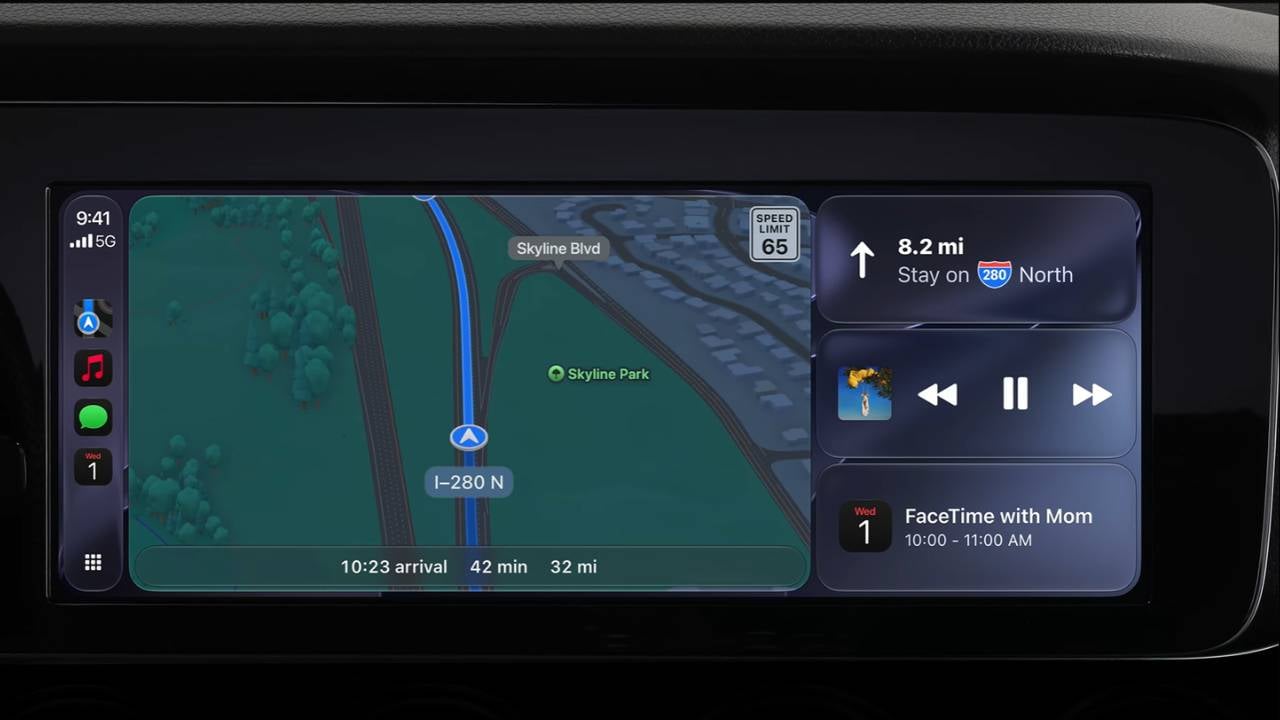
The iOS 27 CarPlay update also brings fresh visual touches. There are new background images for CarPlay that match the ones on iOS 27 and the latest Mac software. App symbols have a redesigned glossy look called Liquid Glass, and those new designs show up in your car too.
Music and podcast apps now include a small player in the top right corner. It shows the album cover and basic buttons like play and skip. This replaces an older design that only showed a simple sound wave icon.
Lastly, the main playback screen now lets you drag a larger slider to jump forward or backward in a song or episode. That is a small but useful change for anyone who likes to skip around in long podcasts or tracks.
The iOS 27 beta is out now for developers, and a public release is expected in the coming months.
This article, iOS 27’s CarPlay update adds video support, smarter voice control with Siri AI, was originally published at NoypiGeeks | Philippines Technology News, Reviews and How to's.
Comments
Post a Comment